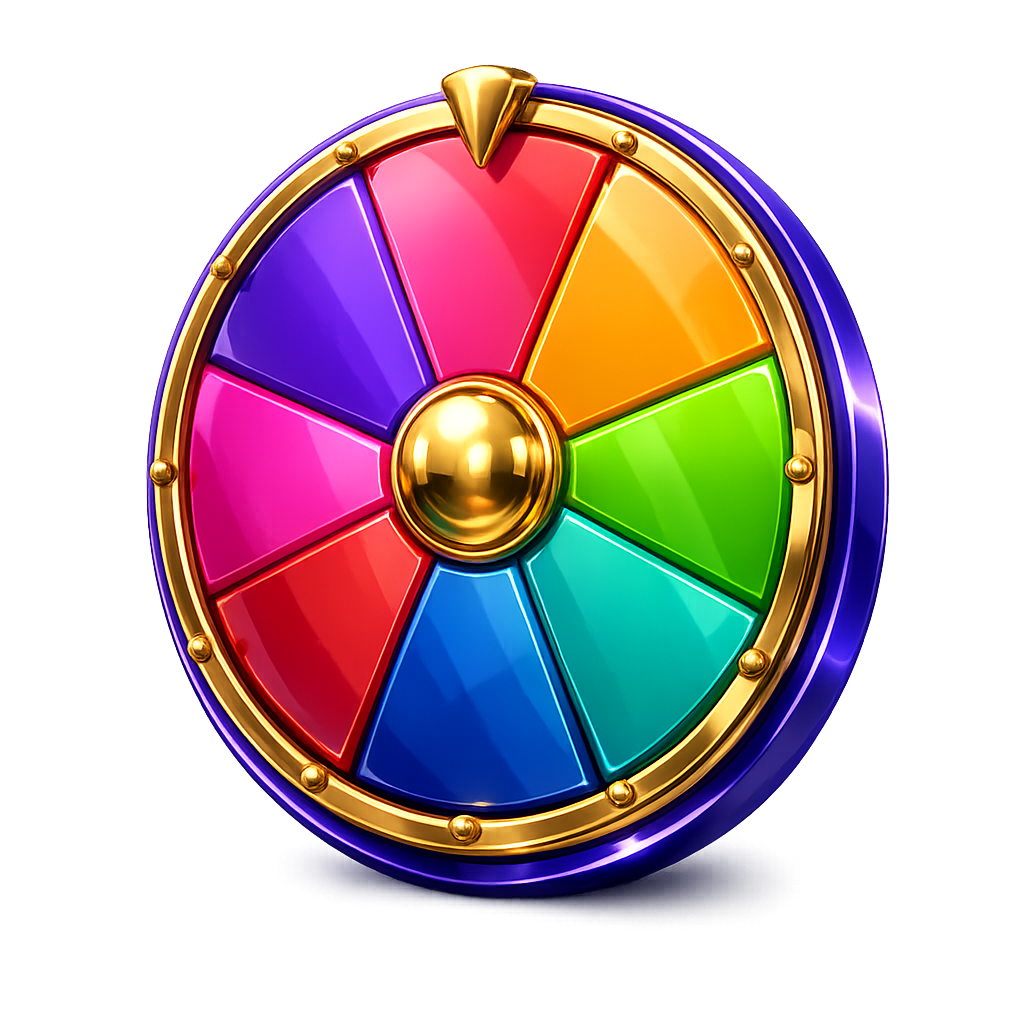
The spinning wheel turns a decision into a small event. Type in your options, give the wheel a spin and let the pointer pick the answer. The wheel redraws itself automatically to fit however many options you add.
What the wheel is good for
The most common use is deciding what to eat – add the restaurants or the dishes and let the wheel choose. Picking an activity, a film or whose turn it is comes a close second.
In the classroom the wheel is a visible, obviously fair way to choose a pupil or a task, because everyone can see that nobody is steering the outcome.
How the wheel lands
The winner is decided before the animation starts, using the browser's cryptographic random generator. The wheel is then spun so that the pointer comes to rest inside the right segment. The animation is a visualisation of an already fair result – every segment has exactly the same chance, wherever it sits on the wheel.
Frequently asked questions
- How many options can I add?
- At least two, with no practical upper limit. The wheel adjusts segment and text size automatically as you add more.
- Can I turn the animation off?
- Yes, switch animations off under Settings and the result appears immediately.